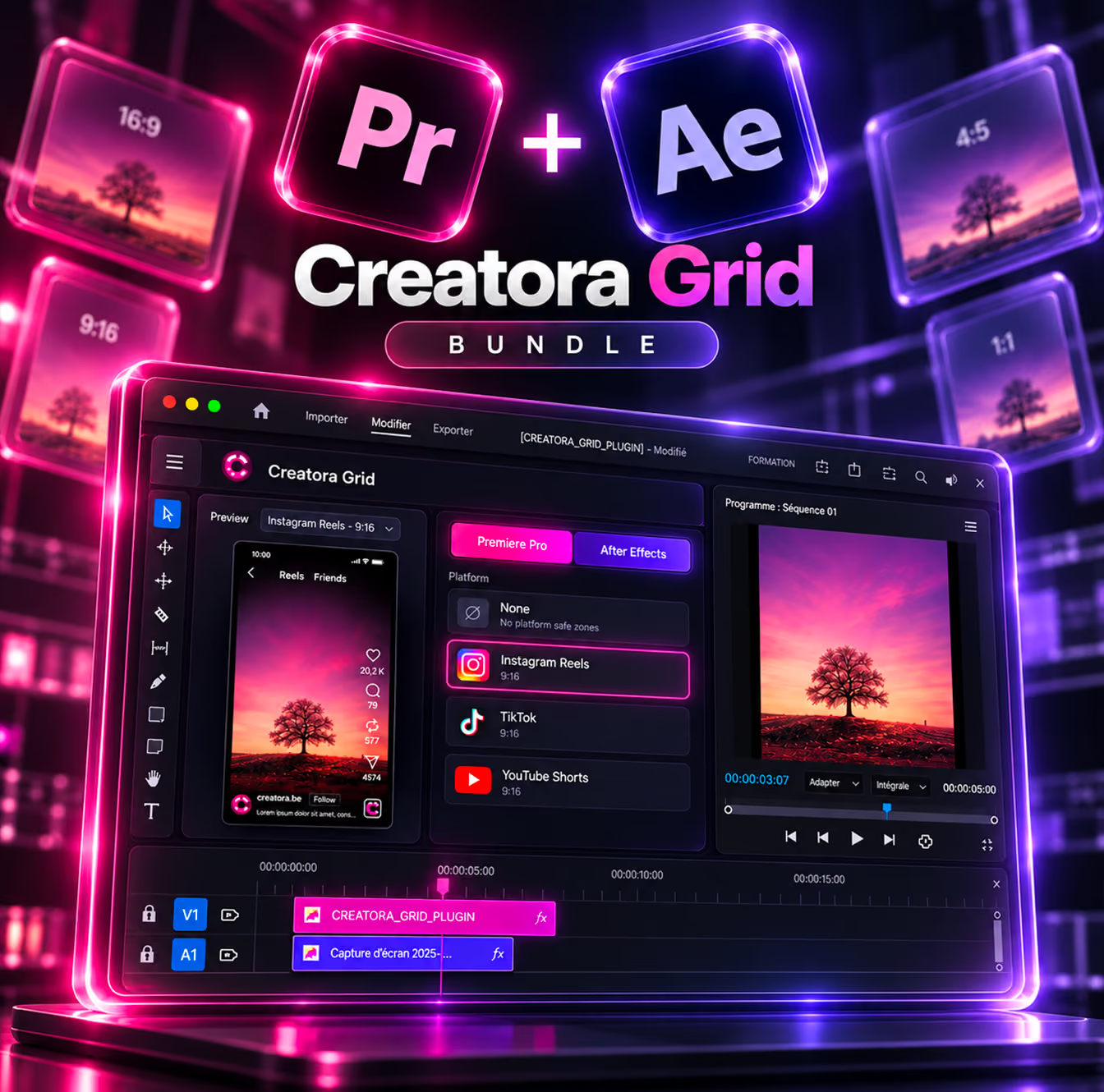



If your captions or your logo disappear behind the username, caption text, or like buttons when you publish on Instagram Reels, TikTok, or YouTube Shorts, that's not a coincidence: each platform overlays its own interface on top of your video, and that interface covers specific areas of the screen. Those areas to avoid are what's known as the safe zone.
What is a safe zone?
The safe zone is the portion of your vertical video (9:16 format, typically 1080×1920 px) that stays visible at all times, without being covered by the app's interface — username, caption, like/comment/share buttons, sound bar, and so on. Any text, logo, or important element placed outside this zone risks being partially or fully hidden, depending on the device and platform.
Note: none of the three platforms publishes an official, fixed specification. The values below are reference points commonly used by editors, and should be checked visually before publishing.
Areas to avoid, platform by platform
Instagram Reels
On a 1080×1920 px frame, avoid placing important text in the top ~220 px (navigation icons) and the bottom ~430 px (username, caption, music), as well as the vertical strip on the right where the like/comment/share buttons sit.
TikTok
Allow roughly 130 px at the top, 484 px at the bottom (caption, sound, CTA), and a strip of about 140 px on the right for the action column.
YouTube Shorts
The margins are wider: roughly 380 px at the top (title, channel), 380 px at the bottom (comments, likes, subscribe), 60 px on the left, and 120 px on the right.
The universal zone (if you're publishing everywhere)
If the same video goes out on all three platforms, the simplest approach is to aim for a single central zone of about 900×1400 px, centered within the 1080×1920 frame. Anything important — text, logo, face — should stay inside that central rectangle.
How to check your framing while editing
The most reliable method is to overlay the real interfaces (Reels, TikTok, Shorts) directly on your timeline, so you can see in real time what will be hidden — rather than guessing from pixel measurements.
That's exactly what Creatora Grid does: the plugin adds the real Reels, TikTok, and Shorts interfaces, plus framing grids (thirds, center, quarters), directly inside After Effects or Premiere Pro. You position your captions and graphic elements while seeing them on screen, without switching back and forth between your editing software and the app.
In short
- Keep essential elements within the center third of the frame.
- Leave at least 400 px of margin at the bottom and 150–250 px at the top on a 1080×1920 frame.
- If you're publishing across multiple platforms, aim for the universal zone (~900×1400 px).
- Always check visually before publishing — these numbers are reference points, not a guarantee.